AI in BI Dashboards: What Certification Learners Actually Need to Know
A practical guide to Copilot, Tableau Pulse, semantic models, governed metrics, and the BI skills that still matter when dashboards become AI-assisted.
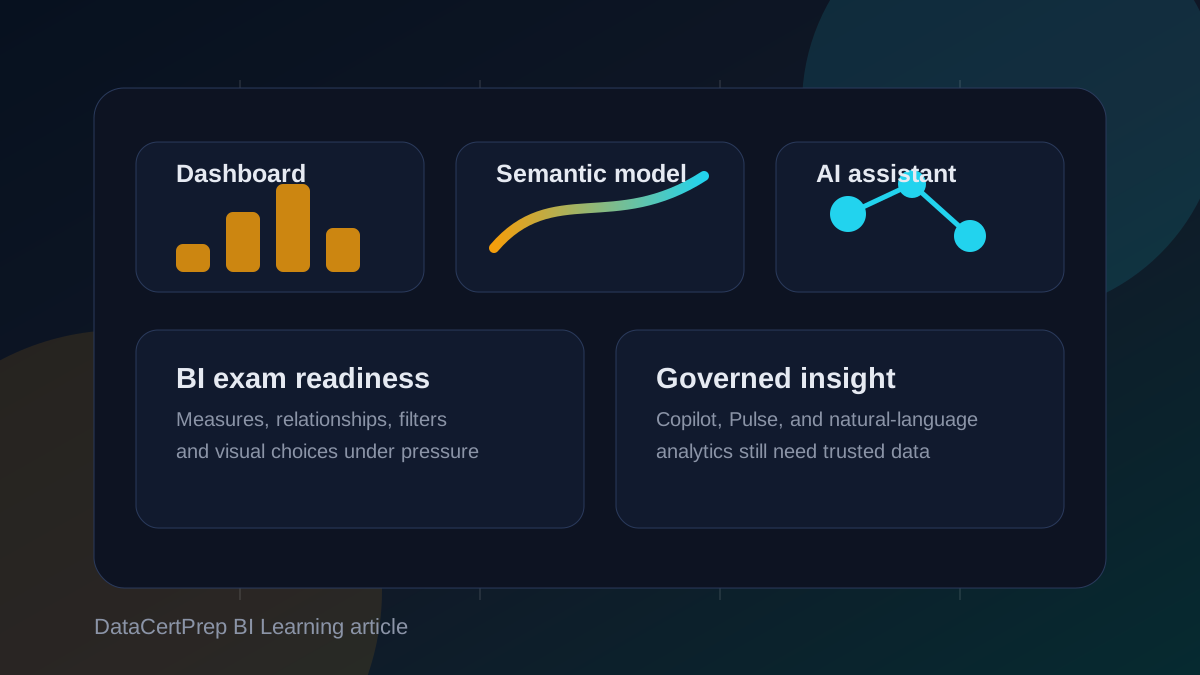
AI is changing business intelligence, but not in the way many learners expect. The important shift is not that dashboards disappear. The shift is that dashboards, semantic models, and natural-language assistants are starting to sit in the same workflow. A manager can ask a question in plain English, a BI tool can generate a visual or explanation, and the answer may depend on a governed metric hidden behind the scenes.
For certification learners, this creates a trap. It is tempting to study AI features as if they replace the old BI fundamentals. They do not. In Power BI, Tableau, Looker, QuickSight, and similar platforms, AI only becomes useful when the underlying data model, permissions, measures, relationships, refresh logic, and dashboard design are trustworthy. If those foundations are weak, AI simply gives users a faster way to misunderstand the data.
Why BI is moving toward assisted analytics
Traditional BI asks the user to know where to click. A report author creates pages, slicers, charts, drill-through actions, bookmarks, and metrics. The viewer then explores inside that prepared experience. This model works well for recurring questions: monthly sales performance, support ticket volume, inventory risk, campaign spend, margin by region, or exam pass rates by study domain.
Assisted analytics adds a second interaction pattern. Instead of clicking through every visual, a user can ask for an explanation, summary, anomaly, or generated chart. Microsoft has been pushing Copilot experiences across Power BI and Fabric. Tableau has been investing in Pulse-style metric experiences and AI-assisted insights. Looker and QuickSight also continue to move BI closer to conversational exploration and governed metrics. The product names differ, but the pattern is the same: users want answers, not just report pages.
The certification-relevant lesson is that assisted analytics does not remove the need to model data. It increases the cost of bad modelling. When a user asks, "Why did revenue fall last week?", the system needs a consistent definition of revenue, a reliable date table, correct relationships, useful filters, row-level security, and a clear understanding of which changes are meaningful.
The semantic model becomes the control point
A semantic model is the business-friendly layer that describes tables, relationships, measures, hierarchies, and definitions. In Power BI, it is where DAX measures, relationships, calculation logic, and security rules live. In Looker, the semantic layer is expressed through governed modelling concepts. In Tableau, the data model and published data sources play a similar role for many teams.
For a human report author, a weak model is painful but sometimes manageable. The author can remember that one column is unreliable or that a filter must always be applied. AI-assisted BI has less tolerance for that kind of hidden tribal knowledge. If the model exposes unclear field names, duplicate measures, ambiguous relationships, or inconsistent date logic, a natural-language assistant has a much harder time producing a useful answer.
This is why certification learners should treat semantic modelling as a core BI skill, not an advanced extra. You need to understand fact tables, dimension tables, cardinality, filter direction, measures, calculated columns, date tables, hierarchies, and aggregation behavior. These topics appear in exams because they are the difference between a dashboard that looks good and a dashboard that can be trusted.
What still matters in Power BI and PL-300 style study
For learners preparing for Power BI exams, AI features should sit on top of the usual study plan. You still need to know how to prepare data, model data, create measures, build reports, configure sharing, manage workspaces, and apply security. Copilot may help authors create report pages or summarize insights, but it does not excuse weak DAX or poor model design.
A practical way to study is to build one small model and deliberately test how AI-assisted features behave when the model is clean versus messy. Use clear table names, hide technical fields, create explicit measures, add descriptions where the tool supports them, and compare the quality of generated explanations. Then break the model by adding ambiguous fields or unclear measure names. The difference teaches an exam lesson and a real-world lesson at the same time.
You should also understand governance. Workspace roles, row-level security, sensitivity labels, endorsements, refresh schedules, and dataset ownership are not administrative trivia. They determine who can see data, who can reuse data, and whether AI-assisted answers expose information to the wrong audience.
What Tableau and Pulse-style analytics add
Tableau learners should pay close attention to metric-centric analytics. A dashboard page is not always the best unit of consumption. Sometimes the business cares about a metric: revenue, churn, average handle time, gross margin, active users, backlog, or forecast accuracy. Pulse-style experiences are built around following metrics, surfacing changes, and explaining movement.
That changes how you think about dashboard design. Instead of asking only, "Which chart should I use?", you also ask, "What decision does this metric support, what comparison makes the change meaningful, and what context does the viewer need before acting?" A line chart without a target, benchmark, period comparison, or segment breakdown may be visually correct but operationally weak.
This is also where AI can help and mislead. Automated explanations are only as strong as the metric definition and context. If returns, refunds, currency conversion, fiscal calendars, or late-arriving data are handled inconsistently, an AI-generated explanation may sound confident while pointing the business in the wrong direction.
Security is now part of dashboard literacy
BI learners often treat security as a deployment topic that comes after report design. That is no longer good enough. As BI tools become more connected and more AI-assisted, report access, connector permissions, shared credentials, embedded content, and exported data become part of the analytics risk surface.
This matters for certification study because many scenario questions are really governance questions in disguise. The exam may describe a regional sales manager, an executive dashboard, a shared dataset, or a workspace used by external partners. The correct answer usually depends on least privilege, data sensitivity, reuse, and maintainability, not just the fastest way to publish a visual.
The practical habit is simple: every time you design a report, ask who can view it, who can edit it, what credentials the data source uses, whether row-level security is enforced, and whether exported data would create a problem. Those questions are not separate from BI quality. They are part of it.
A study checklist for AI-assisted BI
Start with data preparation. Can you identify messy columns, incorrect types, duplicates, missing values, and joins that change row counts? AI features are most useful after the data shape is stable.
Then focus on modelling. Can you explain the difference between a fact table and a dimension table? Can you describe one-to-many relationships, filter direction, and why a proper date table matters? If not, pause AI feature study and fix the model fundamentals first.
Next, practise measures. In Power BI, this means DAX basics such as filter context, CALCULATE, time intelligence, and explicit measures. In Tableau, it means calculated fields, level of detail expressions, table calculations, and aggregation behavior. In any BI tool, it means knowing exactly what a metric counts.
After that, build visuals for decisions. Choose charts based on the comparison the user needs: trend, ranking, composition, distribution, relationship, or exception. Avoid decorative dashboards that look busy but do not answer a business question.
Finally, add AI-assisted features as an evaluation layer. Ask whether the generated summary is accurate, whether it uses the right metric, whether it respects security, and whether it gives enough context for a real decision. Treat the AI answer as something to validate, not something to accept automatically.
Common mistakes learners make
The first mistake is overvaluing prompt skill and undervaluing model design. A good prompt cannot rescue a confusing dataset with duplicate metrics and unclear relationships. In BI, the best prompt is often a well-designed semantic model.
The second mistake is treating dashboards as static posters. Modern BI is a workflow. Users filter, drill, subscribe, export, ask questions, follow metrics, and share links. Certification scenarios often test whether you understand that lifecycle.
The third mistake is ignoring performance. AI-assisted exploration can increase the number of queries users run. If your model is slow, your relationships are inefficient, or your visuals pull too much detail, the experience feels broken even when the design looks clean.
The fourth mistake is studying only one tool screen at a time. Exams often combine concepts: a data refresh issue plus a security requirement, or a modelling problem plus a visual design choice. Build small end-to-end examples so you learn the connections.
The bottom line
AI is making BI more conversational, but certification learners should not interpret that as permission to skip the fundamentals. The strongest BI professionals will be the people who can design trusted models, define clear metrics, build useful reports, secure the data, and then use AI to speed up exploration.
If you are preparing for a BI certification now, study AI features through that lens. Ask what the assistant depends on, what can go wrong, how security is enforced, and how a user should validate the answer. That is the difference between knowing a feature exists and being ready to use it responsibly at work.